Master AI. Multiply Your Impact.
Practical skills to work smarter, not harder
The Work Smarter CompanyToday's Agenda
- 01The New Reality
Why AI matters now
- 02AI Capabilities
Strengths and limitations
- 03Prompting Fundamentals
Role, Context, Task
- 04Advanced Techniques
Level up your skills
- 05Live Demo
See it in action
- 06Hands-On Practice
Your turn to try
The New Reality
Why AI changes the economics of knowledge work

AI is now a baseline expectation for every employee
- Tobi Lutke, CEO of Shopify • This isn't about replacement, it's about enhancement
Jevons Paradox
In 1865, economist William Stanley Jevons observed something counterintuitive about coal consumption in Britain.
As steam engines became more efficient, they used less coal per task.
Yet total coal consumption increased dramatically.
Why this matters for you: AI makes knowledge work more efficient, but total demand for knowledge work increases. Your skills become more valuable, not less.
AI Capabilities
What AI can and can't do well
What AI Does Well
AI excels at tasks that require broad knowledge and pattern recognition
Research & Synthesis
Gathering, summarizing, and connecting information from multiple sources
Writing & Editing
Drafting emails, reports, proposals, and refining existing content
Analysis & Insights
Identifying patterns, trends, and extracting insights from data
Coding & Automation
Writing code, debugging, explaining technical concepts
Brainstorming
Generating ideas, exploring alternatives, creative problem-solving
Translation & Localization
Converting content across languages while preserving meaning and tone
Where AI Struggles
Understanding limitations helps you use AI more effectively
Hallucinations
May confidently state incorrect facts; always verify important claims
Judgment Calls
Lacks context about your values, relationships, and stakes
Guessing What You Want
Without enough context, AI will fill in gaps with assumptions
Being Overly Agreeable
May validate your ideas rather than challenge them constructively
The Human + AI Partnership
Combining human judgment with AI capabilities creates the best outcomes
Human Strengths
Judgment, relationships, creativity, ethics, context, final decisions
Synergy
AI handles the heavy lifting, humans provide direction and validation
AI Strengths
Speed, breadth, consistency, tireless work, pattern recognition
Using AI Responsibly
Keep yourself and your organization safe
Check Your Policy
Know which AI tools are approved for work use
Protect Confidential Data
Be careful about sharing sensitive information with AI tools - understand your organization's policies first
Understand Settings
Review memory and training settings in your AI tools
Verify Before Sharing
Always review AI output before sending externally
Your AI Thought Partner
How to unlock high quality AI responses
How to Think About AI
The World's Most Knowledgeable Intern
Has read everything, remembers everything
Works instantly, never gets tired
Available 24/7, infinitely patient
But... has never met your team or customers
Lacks judgment about what matters to YOU
Always needs your review and direction
AI Use Cases for Knowledge Workers
Start with these high-value, low-risk applications
Email Drafting
Write professional emails, responses, and follow-ups
Meeting Prep
Create agendas, talking points, and briefing documents
Research Synthesis
Summarize reports, articles, and extract key insights
Document Review
Analyze contracts, policies, and lengthy documents
Brainstorming
Generate ideas, explore alternatives, problem-solve
Data Analysis
Interpret spreadsheets, find patterns, create summaries
The Secret to Expert Level AI Responses
Structure prompts with the Role, Context, Task framework
Role
Who should the AI be?
"Act like a senior project manager"
"Act like a communications expert"
"Act like a data analyst"
Context
What does it need to know?
"I'm preparing for a quarterly business review with stakeholders"
"Our team just completed a major product launch"
"I need to summarize a 50-page research report for executives"
Task
What output do you need?
"Create an executive summary with key metrics and recommendations"
"Draft a celebratory email that acknowledges the team's effort"
"Extract the top 5 insights with supporting data points"
Context Is King
Generic Direction
"Write a summary of this meeting for my team."
Vague generic output
Context-Rich Direction
Role: You are a senior project manager helping me communicate with my cross-functional team.

Context: We just finished our weekly product sync. Key decisions: delayed launch by 2 weeks due to QA issues, need extra design resources, budget approved for contractor.

Task: Write a concise summary email that:
- Highlights the 3 key decisions
- Lists action items with owners and deadlines
- Uses a professional but friendly tone
- Keeps it under 200 words
Precise and High-Quality Output
Advanced Techniques
Level up your AI skills
Reverse Prompting
Have AI interview YOU to extract the right context
The Challenge
You often don't know what context AI needs until you see a mediocre response. Instead of guessing, let AI ask you.
The Technique
"I need help with [task]. Before we start, interview me to understand my situation. Ask me 5-7 questions one at a time that will help you give me better advice."
Why It Works
AI asks questions you wouldn't think to answer
Forces you to clarify your own thinking
Builds a rich context document for future use
Managing Context
How to work within and extend AI context limits
Conversation Length
Long chats lose early context. Start fresh for new topics.
When to Reset
New task? New chat. Wandering off-topic? Start over.
Summary Technique
Ask AI to summarize key points before starting fresh.
Chunking
Break large documents into sections for better analysis.
Common AI Mistakes to Avoid
Learn from others' errors to get better results
Trusting Numbers Blindly
AI makes calculation errors. Always verify math and statistics.
Skipping the Review
Never send AI output without reading it first
One-Shot Prompting
Don't expect perfection on first try. Iterate and refine.
Forgetting Context
AI doesn't know what you know. Provide background every time.
When to Skip the AI
Some situations call for human judgment alone
Sensitive Communications
Terminations, legal matters, personal conflicts
Time-Critical Decisions
When you can't verify the output
Emotional Intelligence Required
Grief, conflict, delicate relationships
Novel Judgment Calls
Unprecedented situations where experience matters most
Building Your Prompt Library
Save and reuse your most effective prompts
Draft a Proposal
Turn rough notes into a polished proposal
From meeting notes → formatted proposal with pricing
Prepare for a Sales Call
Research the prospect and prep talking points
Company research, key questions, objection responses
Weekly Review
Summarize my week across email, calendar, and tasks
Works best with tool connections (Gmail, Calendar, etc.)
Convert Messy Thinking
Turn scattered notes into a clear project plan
Brain dump → structured outline with next actions
The Learning Loop
Have AI apply your feedback for continuous improvement
Get Output
AI provides initial response to your request
Give Feedback
"This is good, but make it more concise and add examples"
AI Improves
AI adjusts based on your specific preferences
Save Pattern
"Remember this style for future similar tasks"
AI as Your First Port of Call
Use AI to get oriented before consulting professionals
Legal Questions
Understanding contract terms, employment law basics
Health Research
Understanding symptoms, treatment options, medical terms
Financial Concepts
Tax questions, investment basics, accounting principles
Technical Help
Troubleshooting, how-to guides, technical explanations
Speed Up with Voice
Voice-to-text tools like Wispr Flow supercharge your AI workflow
Wispr Flow
AI-powered voice dictation that works anywhere you can type. Speak naturally and it transcribes with perfect punctuation and formatting.
wisprflow.com3x Faster
Speaking is much faster than typing
Natural Flow
Think out loud, capture ideas as they come
Hands-Free
Dictate while doing other tasks
Using Context Files
Pre-written documents that give AI rich context about your business
We are BookNook Online, a curated independent bookstore serving readers who value discovery over bestsellers. Founded in 2019, we specialize in literary fiction, translated works, and independent publishers. Our brand voice is warm, knowledgeable, and slightly bookish. We compete on curation and personal service, not price.
Core offerings: New books (70%), used/rare (20%), gift items (10%).
Subscription boxes: $35/month for 1 book + extras.
Free shipping over $40. 3-day delivery standard.
Key differentiator: Staff pick recommendations with handwritten notes.
Primary: Women 28-45, college-educated, urban/suburban.
Reading 15-25 books/year. Values discovery over convenience.
Pain points: Overwhelmed by choices, wants trusted recommendations.
Buying triggers: Book club picks, gift occasions, treat-yourself moments.
Connecting AI to Your Systems
Extend AI capabilities by integrating with your existing tools
ChatGPT + Outlook/Gmail
Draft and send emails directly from your AI conversation
ChatGPT + Google Drive/OneDrive
Analyze documents, spreadsheets, and files from cloud storage
Zapier / Make.com
Connect AI to 1000+ apps with no-code automation workflows
HubSpot AI / Salesforce Einstein
CRM-native AI features for sales and marketing insights
Claude Deep Dive
Power tools for advanced users
Cowork
Autonomous AI that works on your files
Cowork lets Claude autonomously execute tasks on files in folders you've granted access to. Instead of chatting back and forth, you give Claude a task and it works independently - like having a capable assistant who handles things while you focus elsewhere.
File Access
Grant Claude access to specific folders on your computer
Autonomous Work
Queue up tasks and step away - Claude executes independently
Like Delegation
Like delegating to a colleague who works on their own
Reorganize your downloads folder
Create spreadsheets from photos of receipts
Draft reports from scattered notes
Claude Skills & Connectors
Extend Claude's capabilities by connecting to your tools
Built-in Skills
Pre-made capabilities like writing, analysis, and coding assistance
Custom Skills
Create specialized prompts for your recurring workflows
Connectors
Link Claude to Google Drive, Notion, and other tools
Integrations
Access data from your existing systems directly
Claude Code
AI-powered development from your terminal
Command-Line AI Assistant
Claude Code brings AI directly into your terminal. Ask questions, generate code, debug issues, and automate tasks - all without leaving your workflow.
Code Generation
Write code from natural language descriptions
Debugging
Find and fix bugs with AI assistance
Code Review
Get feedback on code quality and best practices
Refactoring
Improve existing code structure automatically
Great for developers, data analysts, and anyone who works with code or automation
OpenClaw: A Glimpse of the Future
An open-source AI agent that takes real actions on your behalf
What is OpenClaw?
A viral open-source AI agent that can browse the web, fill out forms, make purchases, and complete tasks autonomously. You communicate with it via text. When connected to your systems, it proactively suggests and does things for you. It demonstrates the trajectory of AI agents that don't just advise - they act.
openclaw.aiWeb Automation
Navigates websites, fills forms, extracts data, and completes multi-step workflows automatically
Autonomous Tasks
Given a goal, it plans and executes steps independently, adapting to what it encounters
AI in Practice
Hands-on demo and exercises
What We'll Explore Together
Live demonstration of AI tools and techniques
Tools
ChatGPT
Wispr Flow
Google NotebookLM
Setup
Data Security
Custom Instructions
Prompt Techniques
Talking to AI with Wispr Flow
AI as first-port-of-call advisor
Uploading documents
Role / Context / Task framework
Asking AI to interview you
Playing Devil's Advocate
Practical Next Steps
Tools, exercises, and resources to get started
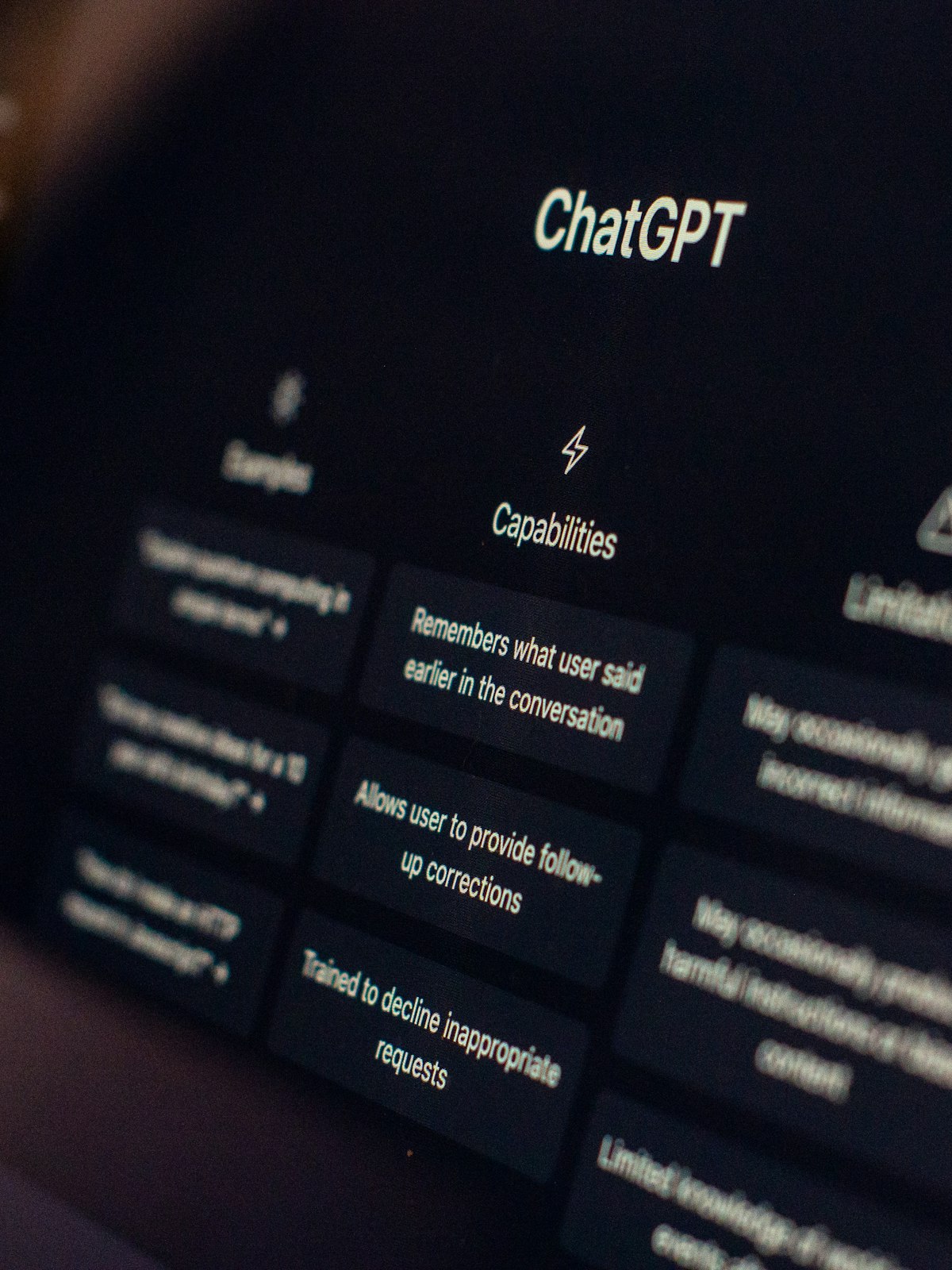
Configuring ChatGPT
- 01Use ChatGPT Plus or Enterprise
Better models, longer context, more capabilities
- 02Configure Custom Instructions
Tell it about your role, company, and preferences
- 03Review Data Controls
Understand memory settings and training opt-outs
What to Include in Custom Instructions
- 01Your Company
Industry, size, market position, key products/services
- 02Your Role
Job responsibilities, reporting structure, key stakeholders
- 03Current Priorities
Projects, challenges, upcoming deadlines
- 04Communication Style
Tone preferences, level of detail, format preferences
Meeting Follow-Up Email
Use this after any important meeting to ensure clear communication
Role: You are a senior project manager helping me communicate with stakeholders.

Context: I just finished a 2-hour strategy meeting with our cross-functional team. Key topics: Q2 priorities, resource allocation for the new product launch, and timeline concerns from engineering.

Task: Help me draft a follow-up email that:
- Summarizes the 3 main decisions we made
- Lists action items with owners and deadlines
- Addresses the timeline concerns diplomatically
- Keeps the tone professional but approachable
Research Synthesis
Use this when synthesizing research into actionable insights
Role: You are a research analyst helping me prepare a competitive analysis.

Context: I need to brief my team on three competitors in our space. I have articles and notes but need them synthesized. Our focus is pricing strategies and how they've changed in the past year.

Task: Create a comparison table with:
- Each competitor's current pricing model
- Recent pricing changes (last 12 months)
- Key differentiators from our offering
- One insight per competitor I should highlight
Practice
1. Write your first "Role, Context, Task" prompt
Ask ChatGPT to play a specific role
Give ChatGPT specific context
Ask it to do a specific task
You are a communications expert. I need to inform my team about a new policy change regarding remote work. Write a professional but friendly email announcement.
2. Analyze a document
Upload a PDF or Spreadsheet
Ask it to analyze or summarize
Please analyze this document and give me: 1) A 3-sentence summary, 2) The top 5 key points, 3) Any action items I should be aware of.
3. Create an image
Ask ChatGPT to create an image for you
Create a professional image of a diverse team collaborating around a modern conference table with a city skyline visible through large windows.
4. Create a plan
Ask ChatGPT to create a plan for something
Create a detailed 90-day onboarding plan for a new team member, including weekly milestones, key meetings, and success metrics.
Try This Week
Four exercises to build your AI fluency
Draft a Project Update
Give ChatGPT context about your current project, then ask it to draft key messages for stakeholders
Stress-Test a Decision
Describe a pending decision and ask for counter-arguments and risks
Prepare for a Tough Conversation
Roleplay a difficult stakeholder discussion with the AI
Analyze a Document
Upload a report or document and ask for a summary with key insights
Tools to Explore






AI Is Here
Are You Ready?

Colin Cox
Co-Founder, Work Smarter Company
We help your organization adopt AI through training, automation, and advisory.
Website: www.worksmartercompany.com
Email: colin@worksmartercompany.com
Reference Guide
Printable reference materials for AI prompting
Full Reference Guide
5-page comprehensive guide with prompts and techniques
Quick Reference
1-page summary with RCT framework and tools list
Opens in a new tab for printing or saving